 Daisy by Dzzz
Coming to the Mac App Store · Free
Your files. Ready for what’s next.
Make an image smaller, crop it just right, or prepare a PDF to share. Daisy brings local file tools to the places you already work on your Mac.
Apple silicon · macOS 14 or later · English app
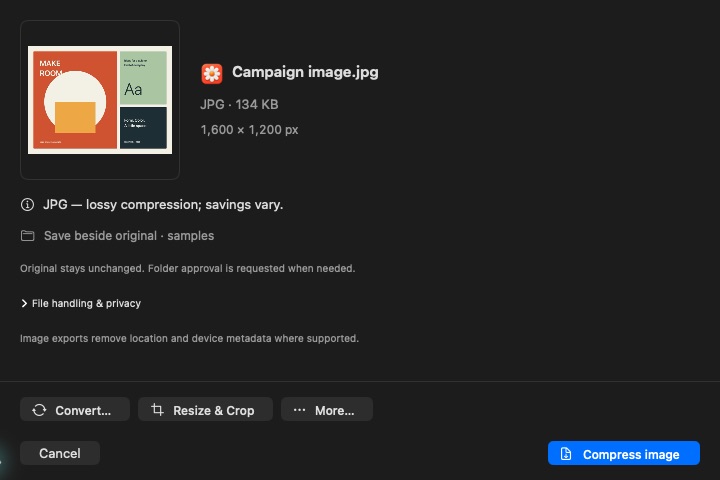
A shorter trip from file to finished.
One set of tools. Three ways to get there.
Bring up the wheel
Start dragging a file, then tap Shift. Move to an action and drop. The daisy wheel keeps the choice close to your file.
Stay in Finder
Select a file, open Quick Actions, and choose Daisy. The selected file opens straight into compatible tools.
Choose from the menu bar
Open Daisy’s menu and choose Select File. A familiar file picker gives you another way in, without dragging.
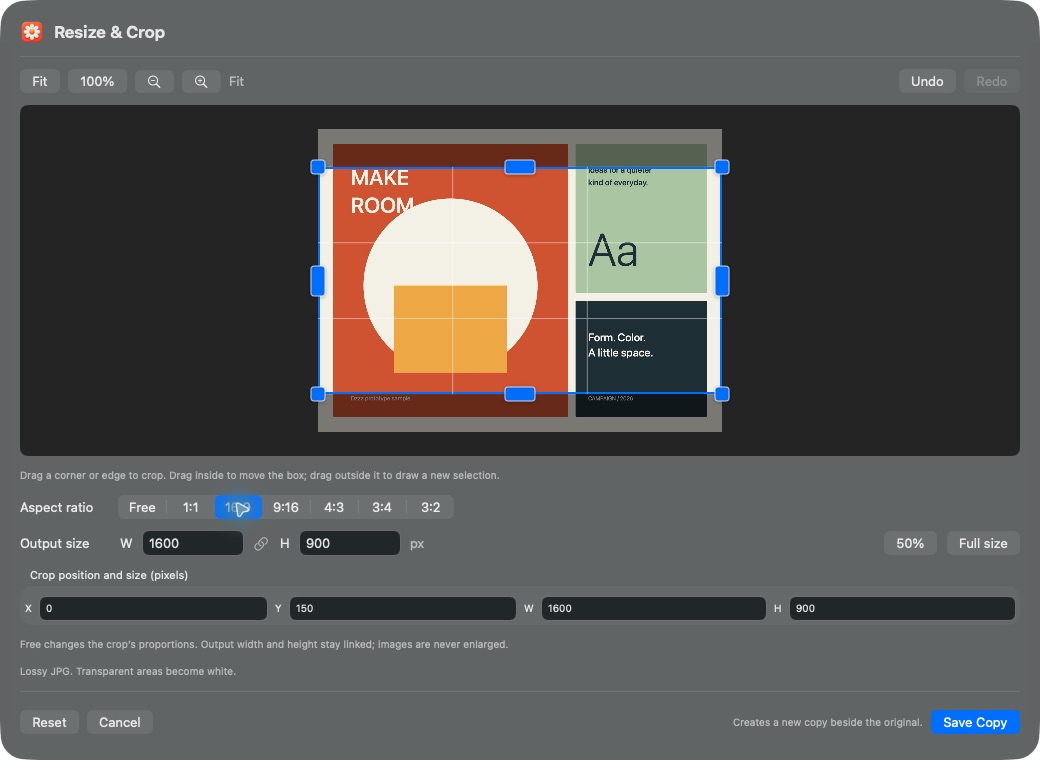
Get the crop right. See it as you go.
Resize and crop in one place, with a preview large enough to inspect the details.
- Drag any corner or edge to adjust the crop.
- Choose a familiar aspect ratio, or use Free.
- Set output dimensions and save a separate copy.
Small file jobs, brought together.
Actions adapt to the files you select. Supported formats and options vary by tool.
- Images
- Compress, convert, resize, and crop.
- PDFs
- Compress, merge, split, and extract text or images.
- Video
- Compress, convert, trim, and adjust size or crop.
- Audio
- Convert, compress, trim, and bleep selected sections.
- Slides & spreadsheets
- Export supported slides to PDF or images, and spreadsheets to PDF.
- Archives & batches
- Create or extract archives, and compress multiple supported files.
Your files stay on your Mac.
Daisy’s built-in tools process files locally, without a processing account. Outputs are separate copies. Sharing or running an external Mac action is your choice; that destination’s privacy rules apply.
Read Daisy’s privacy policyA few things to know.
Can I download Daisy today?
The Mac App Store release is being prepared. There is no public download yet. Daisy will be free; contact us if you have a question about availability.
Which Macs will it support?
The current build targets Apple silicon Macs running macOS 14 or later. The app interface is in English. Compatibility testing is still in progress.
Does Daisy replace my original file?
No. File operations create a separate output. Daisy can save beside the original after you approve folder access, or let you choose a destination with the macOS save dialog.
Do I have to use the drag wheel?
No. Finder Quick Actions and the menu-bar file picker provide alternative paths. The current build is still undergoing drag, accessibility, and multi-display testing.
Meet your Mac’s next little helper.
Daisy — file tools by Dzzz. A free Mac app, currently in preparation for the App Store.
Ask about availability Contact Daisy support